Ticket tracking · An alternative to Excel
Tickets in Excel? Manage them for free with Taquillita.
Save the rows for your accounts. Create QR tickets, send them via WhatsApp and check admission with your Android. No formulas to set up and no per-ticket commission.
Free · No sign-up · You collect payments directly
How to track tickets in Excel
To track tickets in Excel, create a table with a unique number for each ticket, the date, admission type, number of people, unit price, total, payment status and admission status. Calculate the amounts and update the status as you deliver or use each ticket.
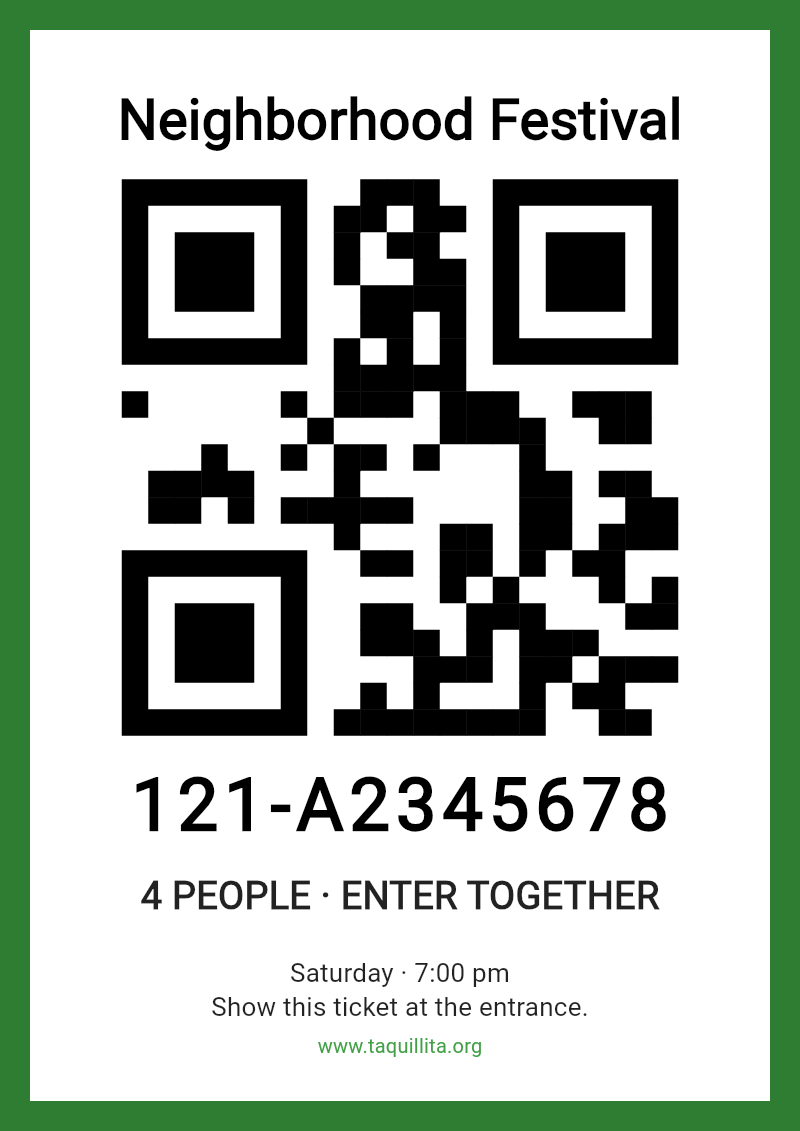
If you want to issue and check tickets, Taquillita is a free Excel alternative for Android: it creates the ticket and its QR code, lets you share it and records its use when you check it. It also provides reports on tickets issued and people admitted. You receive payments through your own payment methods.
Starting with a spreadsheet
An organized table is the first step.
This example is for manual tracking. Each row represents one ticket; if it admits several people, record the number. The amounts are examples in whichever currency you use.
| ATicket number | BDate | CAdmission | DPeople | EUnit price | FTotal | GPayment | HAdmission status |
|---|---|---|---|---|---|---|---|
| 0001 | 2026-11-01 | General | 2 | 100 | 200 | Paid | Unused |
| 0002 | 2026-11-01 | General | 1 | 100 | 100 | Pending | Unused |
Assign unique numbers
Format the Ticket number column as text to keep leading zeros. Do not repeat a ticket number within the same event.
Calculate the amount
Enter
=D2*E2in F2 and copy the formula down: people multiplied by unit price. A calculated amount does not confirm that you have received payment.Keep payment and admission separate
Use clear statuses for payment and admission. Filter to review pending payments and update admission when each person or group arrives.
Agree on who updates the file
Use a shared version and keep backups. An offline copy does not receive changes from another entrance; agree on how to avoid duplicate records.
From the list to the entrance
Excel organizes rows. Taquillita manages your tickets.
Excel lets you build your own tracking system. Taquillita brings ticket creation, delivery and admission checks together in an app made for tickets.
| What you need | With an Excel spreadsheet | With Taquillita |
|---|---|---|
| Numbering and ticket design | Prepare the numbers and design yourself. | Creates the ticket with its number and QR code. |
| Delivering tickets | Prepare the file or message you will send. | Share the ticket from the app via WhatsApp or another channel. |
| Checking at the door | Look up the number and mark admission; scanning requires additional tools. | Scan the QR code, check the ticket and record its use. |
| Working with several phones | Organize the shared file and editing permissions. | Team mode connects the phones; they need internet access to share operations as they happen. |
| Reviewing results | Set up filters and formulas for your totals. | View reports on tickets issued and people admitted. |
Your next sale can start here
Leave the spreadsheet. Take your box office with you.
Set up your event
Install Taquillita on a compatible Android and enter your event details and prices. It can be used in any country without providing a tax identification number.
Issue and share
Create the ticket and send it via WhatsApp or another channel. For paper tickets, create a PDF with QR codes and choose where to print it.
Scan and review
Check tickets and view reports in the same app. You collect payments directly, and Taquillita takes no per-ticket commission.
Questions before switching from spreadsheets to tickets
How can I track tickets without Excel?
With Taquillita, you can create QR tickets, share them and check admission on a compatible Android. The app is free and provides reports on tickets issued and people admitted.
Does Taquillita charge commission or process payments?
Taquillita is free and charges no per-ticket commission. You collect payments through your own methods; the app is not a payment gateway.
Can I import the tickets I already have in Excel?
This guide does not offer automatic importing from Excel. Keep your spreadsheet as a historical record and start issuing new tickets in Taquillita. A number or QR code from your spreadsheet does not automatically become a valid ticket in the app.
Does it work with printed tickets?
Yes. Taquillita creates PDF tickets with QR codes for printing at home or at your chosen print shop. You can check them at the entrance with the same app.
Do I need to register or provide a tax identification number?
You do not need to create an account to get started or provide a tax identification number from any country. You need a compatible Android.
Your tickets deserve more than a row.
Create, share and check tickets with Taquillita. Free, from your Android.
Download Taquillita for free →