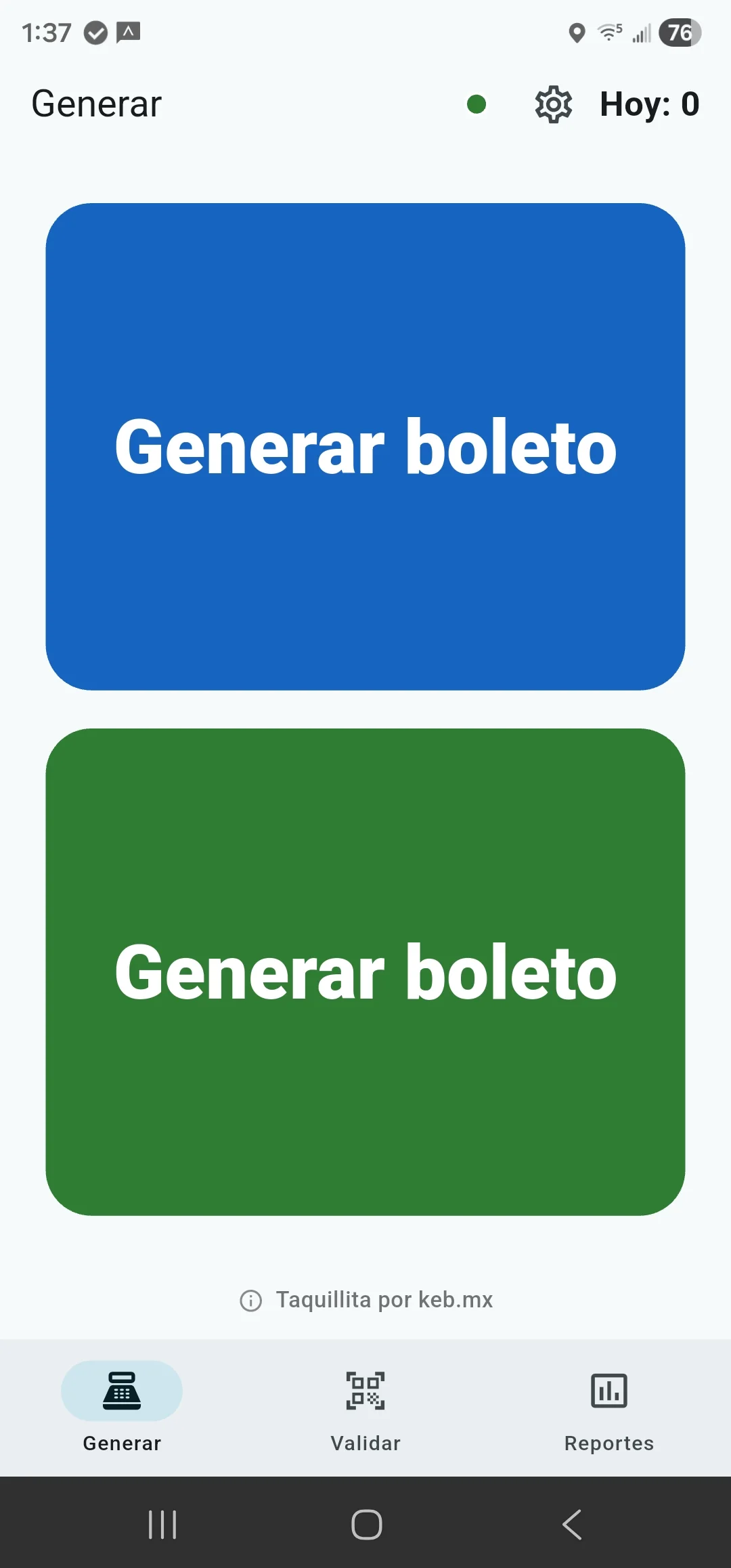
Create
Choose the green, blue, pink, or turquoise zone, whether the ticket is digital or printed, and how many people it covers —from 1 to 99. It is created with its QR, folio, and party size.
Create QR tickets, hand them over via WhatsApp and check them at the door with the same phone. You put on the event; Taquillita gives you the ticket that travels.
For Android · Developed in Querétaro, Mexico

No dashboard to learn, no settings to figure out. What you need, and nothing more.
Choose the green, blue, pink, or turquoise zone, whether the ticket is digital or printed, and how many people it covers —from 1 to 99. It is created with its QR, folio, and party size.
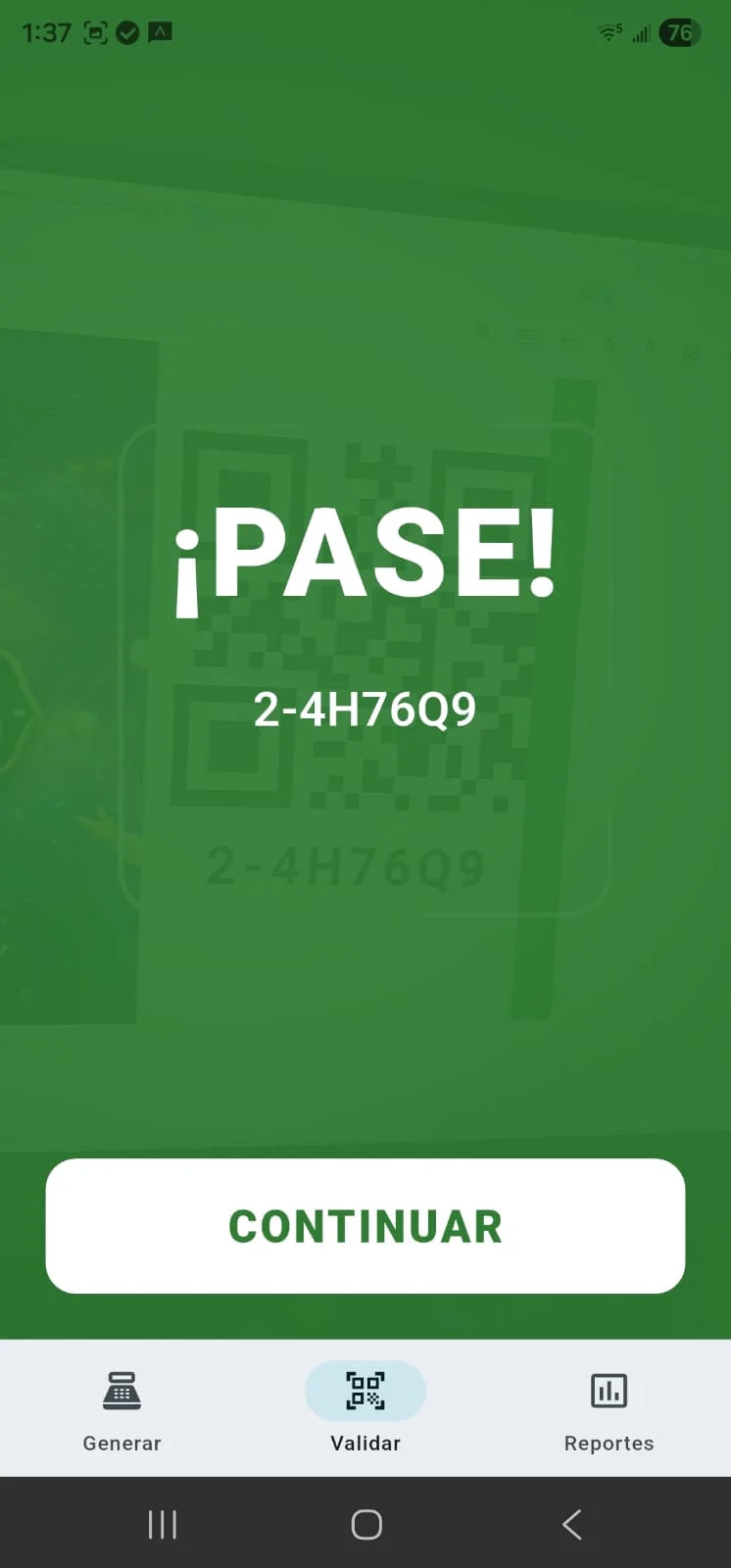
Point the camera at the QR. The PASS shows the zone and how many people enter together. If it was already used or it is not from your event, Taquillita buzzes and tells you.
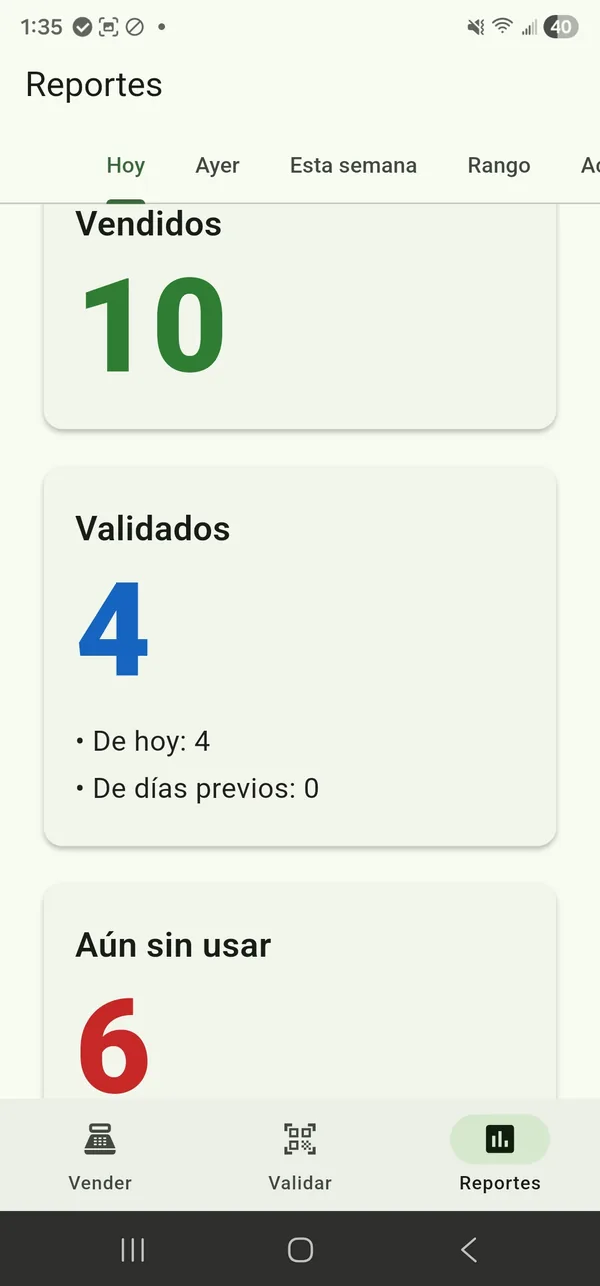
See QRs and people separately: how many were created, how many people entered, and how many are still expected. Reports also break them down by zone and medium and, in Team mode, by the phone that created or checked each ticket.
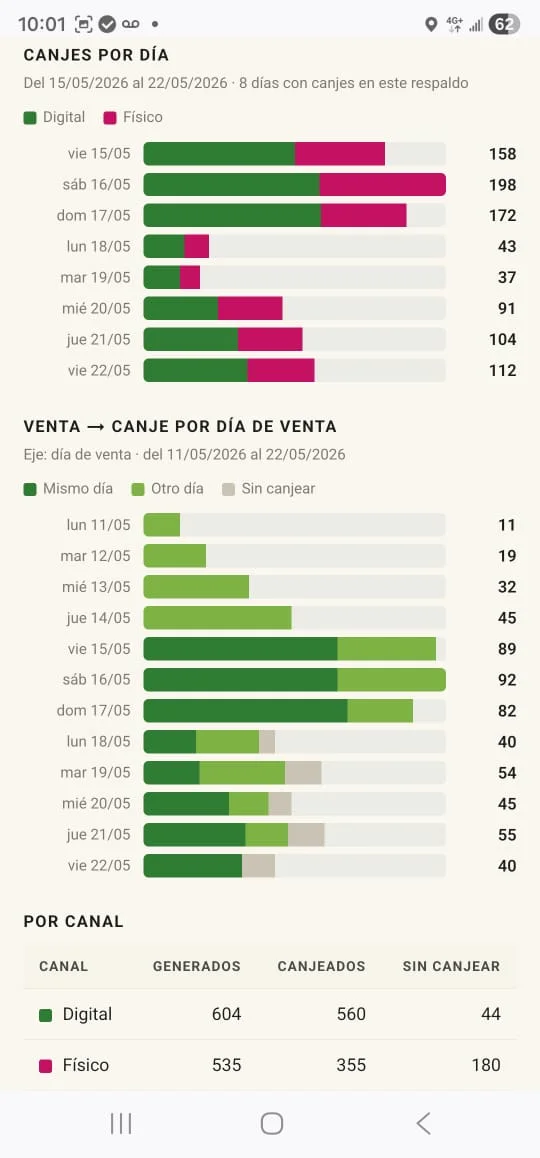
With Team mode on, the app gives you a web report link you can open from any phone or computer. See created QRs and people, check-ins, zones, media, and times.
You can name each phone to see which one created or checked a ticket. If someone else keeps the books, share the link; the secret folio is never shown.
Big ticketing platforms keep your tickets and your customers' in a cloud. If someone breaks into that cloud —and it's happened— everything leaks.
Taquillita does not depend on the cloud to create or check tickets. In single-phone mode, tickets stay on your phone. Team mode uses a server only to relay updates between your devices; every phone still makes the decision locally.
Used correctly, there's no way to forge a ticket you didn't issue.
Team mode starts on so tickets are backed up and another phone can join. You can turn it off at any time to keep everything on one phone.
Taquillita works perfectly on a single phone. And when there are several of you at the same entrance, you can put them to work together.
The ticket is created, stored, and checked on your phone. Creating, printing, checking, and local reports work offline. Turn off Team mode in Settings if you want ticket data to remain only on this phone; version 1.0.38 sends no separate usage signal.
If one phone is enough and you do not want server sync, turn Team mode off in Settings.
Several phones at the same entrance, in sync with each other: what one sells, another can check. One joins the next by scanning a QR — no accounts, no typing passwords.
In team mode, keep internet or data on while checking so the phones stay in sync. If the network drops, no one gets stuck in line: each phone keeps checking on its own and they catch up when they reconnect.
And it's the only one on Play Store that brings it all together.
Taquillita doesn't ask how big your event is or how formal. It creates the ticket, checks it once, and that's it.
Taquillita creates and checks the ticket. You collect the money your own way —cash or transfer—, just like always. What Taquillita solves is the ticket itself: that it's unique, has its QR, and can be checked at the door.
The Taquillita app lays out a print-ready sheet: QR tickets arranged to cut. For the box office, comps, radio giveaways, the press and sponsors.
Same ticket, same folio, checked by the same app at the door.
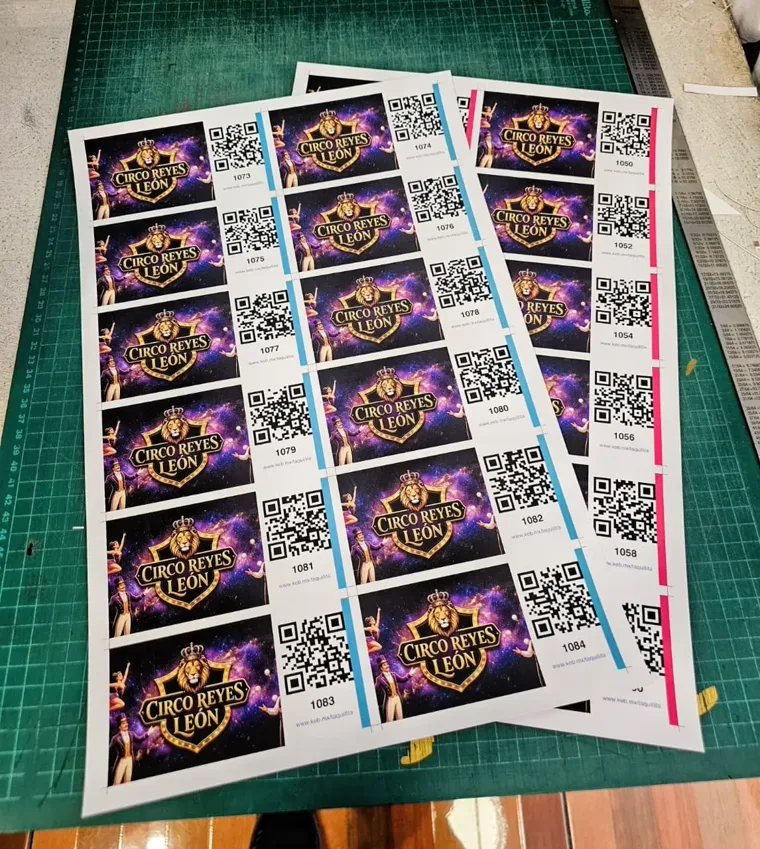
A ticket used to exist only where someone was there to hand it over: the box office, the cart, the door of the venue. It didn't travel on its own.
Taquillita turns the ticket into something that travels over WhatsApp —unique, with its QR— and gets checked at the door in seconds. You collect the money like always; what changes is that you can get the ticket to someone without being there.
Taquillita was born in the circuses of Mexico: people who set up their show in any city and hand out their tickets over WhatsApp. It grew from there —and today it's also for whoever runs a tournament, the university student who puts together the event of the semester, whoever organizes the conference that was worth it—. You put on the event; Taquillita makes the ticket.